
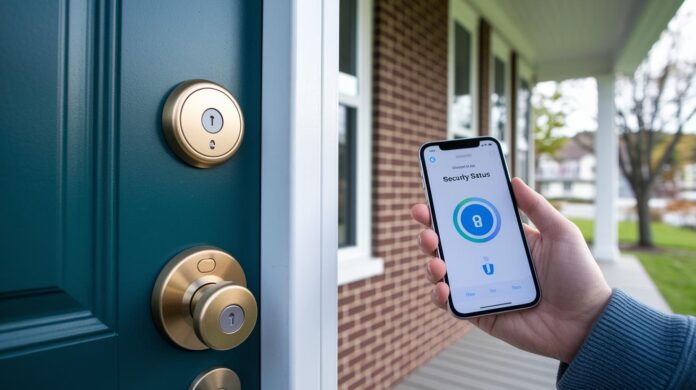

Could your door be the weak spot in your home’s security? A smart lock upgrade might be the answer. Smart locks boost security and simplify everyday access. Think of it as snapping the final piece into place. By following clear steps, checking your door, aligning the parts, and testing the performance, even those without advanced tech skills can quickly enhance their home safety. Discover how a smart lock installation can provide you with greater peace of mind.
Smart Lock Installation: A Detailed Step-by-Step Guide
Begin by checking your door to ensure it works with the new smart lock. Confirm the door has a cross bore diameter of 2⅛ in (54 mm) and that the lock body type is a good match. It’s much like finding the right key for a lock.
Carefully remove the old lock so you don’t damage the door. Next, insert the new deadbolt into the door edge. This step is similar to placing the final puzzle piece where everything fits perfectly.
Now, install the exterior assembly. Align it flush against the door and use the mounting plate as a guide to mark where you need to drill pilot holes. Use the proper tools and check your measurements twice to avoid errors. As one experienced installer explained, setting up a smart lock is like installing a new gadget, you know it’s going to work when every part clicks into place.
- Attach the mounting plate firmly using the manufacturer’s recommended torque.
- Install the interior assembly right after.
- Connect the power cable, door-status cable, and Wi-Fi cable to their proper sockets.
With the hardware in place, power up the system. The smart lock arrives with pre-installed lithium batteries, making the initial startup quick and simple. Test the lock by engaging the mechanism to ensure smooth bolt movement and neat cable routing.
Finally, configure the lock through its mobile app after you confirm that all wiring and connections are secure. Tight connections and proper alignment form the foundation of a home security upgrade that just works.
Door Preparation for Smart Lock Installation: Compatibility and Reinforcement

Start by checking your door’s measurements to ensure it meets the requirements. The door should be 1¾ inches thick, and the bore needs to be 2⅛ inches (54 mm) wide. Use a tape measure to verify these numbers so you avoid any issues later.
Next, look at the door frame for strength and signs of weather damage if it’s an exterior door. Check for loose joints or worn-out material. If you notice any wear, reinforcing the frame becomes crucial.
Older doors might need some tweaks before installing a digital lock. You may have to adjust the mortise depth or add filler plates to secure a proper fit. Think of it like fine-tuning an instrument so every part works well together.
Key reinforcement steps include:
- Reinforcing the strike-plate area with a metal plate or longer screws.
- Making sure the surrounding wood or structure is stable for mounting.
- Confirming that the door and frame line up correctly to allow smooth bolt movement.
These steps help ensure your smart lock mounts firmly and works as it should.
Smart Lock Mounting and Alignment Best Practices
Precision is crucial when mounting a smart lock. Every part must be level and flush within a 1/16 inch tolerance. For example, use a calibrated level to check that the mounting plate lies parallel to the door. Even a tiny gap of 1/16 inch can increase wear on the bolt.
Advanced tools can help ensure proper alignment. Use a digital angle finder to check that both the outside and inside assemblies match exactly. Before tightening all screws, verify with a square tool that they meet at 90 degrees, because even slight misalignments can hurt long-term performance.
If you spot any misalignment, adjust the mounting plate lightly before you finish fastening it. Also, check the cable routing during these adjustments. Using flexible cable clips can allow for a little door flex, keeping both power and door-status cables secure without putting extra tension on them.
Key nuances:
- Verify the mounting plate alignment with a digital angle finder.
- Keep assemblies flush to within a 1/16 inch tolerance to reduce friction on bolt travel.
- Test bolt movement before permanently fastening the hardware.
- Use flexible cable clips for neat routing that adjusts to door movement.
Configuring App-Controlled Access for Your Smart Lock
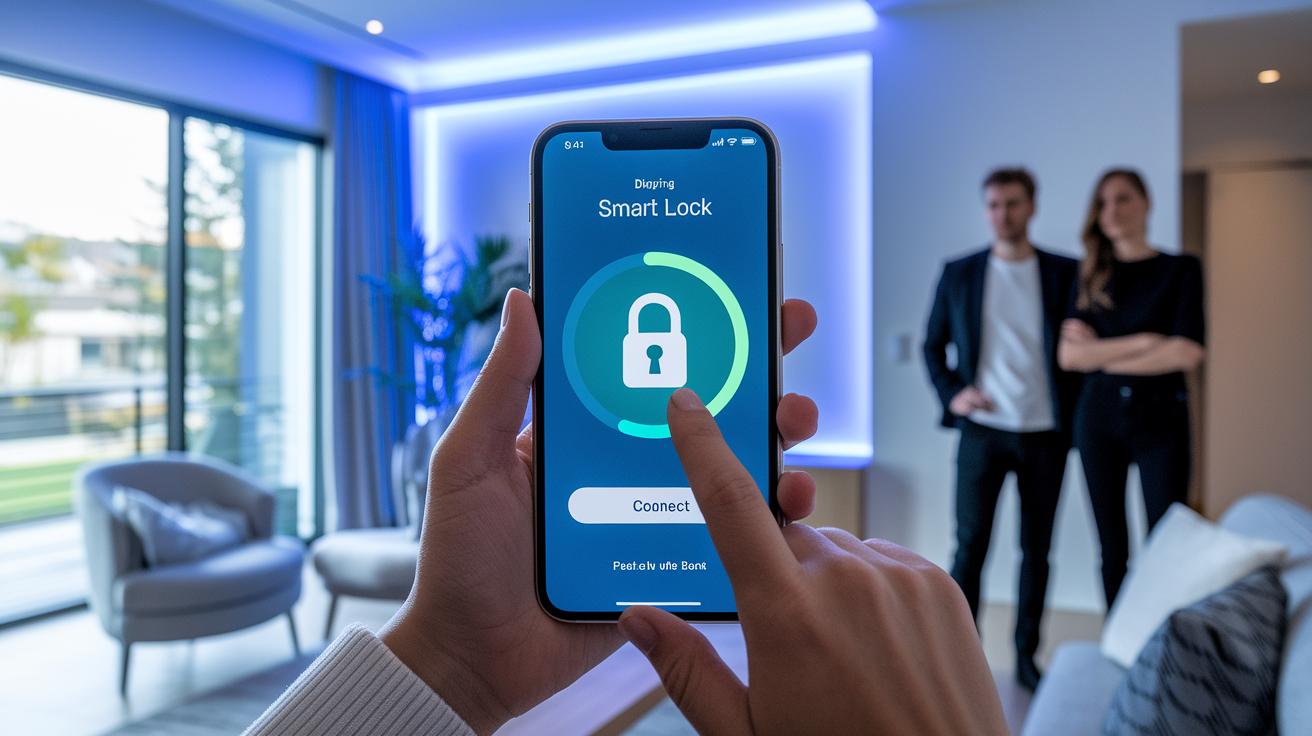
Start by downloading the lock’s mobile app from the App Store or Google Play. Launch the app and create a secure account to serve as your digital key. Follow the on-screen instructions to pair your device using Bluetooth or Wi-Fi. You might see a prompt such as "Pair your device by tapping connect," which tells you to press a button on your lock.
Once paired, the app will guide you through setting up user PINs or biometric profiles if your smart lock supports these features. This allows you to safely provide access to multiple users. For extra security, use short numeric codes with a mix of digits.
Next, connect your lock to your home automation system by linking it with platforms like Alexa or Google Home. This setup lets you use voice commands such as "lock the door" and manage the lock remotely. To make sure everything works properly, test the voice commands with a brief sample phrase.
Finally, test the lock by using the app to simulate regular use. Check that the lock accurately signals its status and that any changes in access settings update across all connected devices. Following these steps will help you set up a smooth digital system that boosts your home security and simplifies daily operations.
Troubleshooting and Maintaining Your Smart Lock
Check your smart lock’s alignment if you notice a jammed latch or a misaligned deadbolt. A small misalignment can make the bolt stick. Adjust the mounting plate or tighten the screws so that every part moves freely. If the deadbolt doesn’t retract evenly, loosen the fasteners and reposition the parts until they align within a 1/16 inch tolerance.
If you see a low-battery alert, open the battery compartment right away. Replacing the battery in digital locks is simple. Just swap out the lithium cells following the manufacturer’s instructions. Keeping a spare battery nearby can help you avoid downtime.
When you face access errors or an unresponsive lock, use the mobile app to reset passcodes. The app shows error codes that help you diagnose issues like connectivity problems or firmware glitches. This makes it clear whether the error is due to a wrong code or a deeper issue.
Regular software updates are essential for strong security, including standards like AES-256 encryption. Updates can fix minor bugs and improve overall performance. Test the lock’s functions in the app now and then to make sure firmware updates and battery changes are successful. Also, check cable routing and fastenings regularly to ensure long-lasting reliability.
Professional and Advanced Considerations for Smart Lock Installation
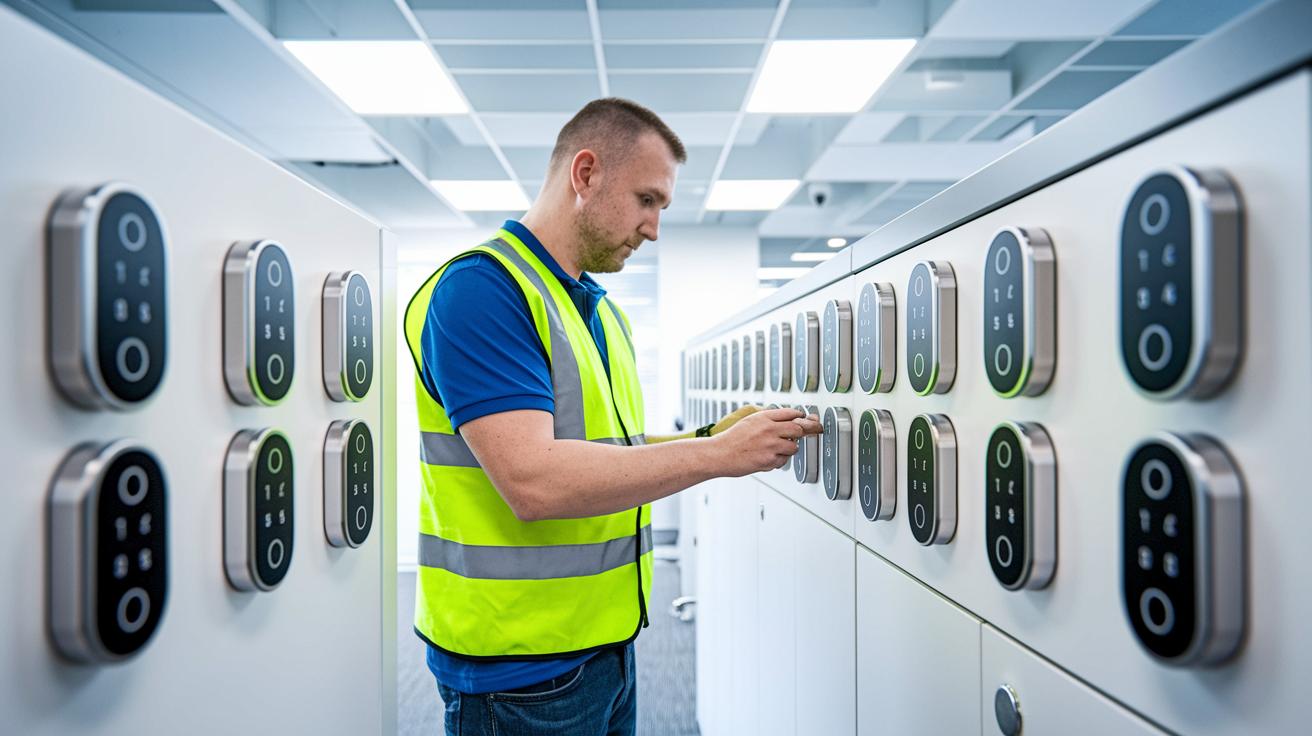
When setting up advanced smart lock systems, you need a certified installer for tasks like multi-lock synchronization and connecting to building automation systems. Local security experts ensure every device talks correctly to the central system. An experienced technician can manage visitor access, trigger video recording when doors open, and run cloud-based access checks without lowering security.
Homeowners planning a large-scale smart lock setup should get certified technicians involved early. These professionals know local security codes and can create a strong system for managing keys and devices. For instance, when adding a smart lock to an existing automation network, a certified installer makes sure all parts work together. This means door permissions and audit records update instantly.
Hiring professionals is crucial when you deal with sensitive data or complicated setups. Their technical skills help meet regulations and keep systems reliable in busy or commercial areas.
Installing smart locks: Boost Home Security Today
When it comes to smart locks, finding the best fit for your home means comparing digital door systems on several factors. For example, the Lockin Veno series uses palm-vein recognition (a biometric method that verifies your identity) for high-tech access. Schlage stands out with its AES-256 encryption and built-in audit trail that records entry attempts. Yale adds an extra safety layer with multi-factor authentication, while August makes it easy to integrate voice control with remote management.
Think over which features matter most for your home. If you want advanced biometric access, the Lockin Veno series might be your choice. Schlage provides solid security through robust encryption and clear records. Yale’s multi-step verification adds extra peace of mind, and August is ideal if you prefer managing your lock by voice commands.
Key factors to weigh include:
- Installation ease and compatibility with your current home automation system.
- Security features such as encryption standards and authentication methods.
- Battery life, with some models lasting up to one year on lithium cells.
- Price, typically ranging from $150 to $300 depending on additional features like Wi-Fi or biometric sensors.
Final Words
In the action, the guide broke down the process from door preparation and secure mounting to app setup and maintenance. It covered everything, from checking compatibility and aligning components to troubleshooting issues and considering professional support. Each section provided clear steps and expert tips to help readers move confidently through the process. The insights shared empower teams to make informed decisions while installing smart locks. This practical roadmap not only boosts security but also inspires confidence in upgrading digital entry systems.
FAQ
Installing smart locks without key
Installing smart locks without key means you rely on digital entry methods like PIN codes, biometric scans, or smartphone controls instead of a traditional key. Basic mounting and wiring still remain part of the process.
How to install a smart lock without drilling
Installing a smart lock without drilling involves using adhesive or clamp-based mounting options that secure the device without permanent modifications. Always follow the manufacturer’s guidelines to maintain door integrity.
Smart door lock Manual PDF
A smart door lock manual PDF provides complete installation instructions, diagrams, and troubleshooting tips. It details the setup process, wiring, and bill of materials needed for a successful DIY installation.
How to install keyless entry door lock
Installing a keyless entry door lock involves removing the old mechanism, mounting the new hardware correctly, and connecting any required cables or batteries to enable code or app-controlled access.
How to install smart lock Tuya
Installing a Tuya smart lock requires downloading its dedicated app, pairing the device via Bluetooth or Wi‑Fi, and following the step-by-step hardware setup guide, including proper mounting and wiring procedures.
Smart lock installation cost / How much does it cost to have a smart lock installed?
Smart lock installation typically costs between $150 and $300 for the unit, with additional fees if you choose professional installation. A DIY approach may help reduce overall expenses while ensuring secure setup.
Smart lock installation near me
Finding smart lock installation near you means looking up local hardware or security service providers. Many retailers and accredited technicians offer installation services for various keyless entry systems in your area.
How to install door lock latch
Installing a door lock latch involves aligning the latch with the strike plate, securely fastening the lock body, and testing the bolt travel to ensure smooth operation. Always refer to your model’s guide for specific steps.
Can I install a smart lock myself?
Installing a smart lock yourself is doable with many user-friendly models providing clear, step-by-step guides. Basic tools and careful attention to door compatibility and wiring details are key for a successful DIY installation.
What are the downsides of smart locks?
Smart locks may face downsides such as battery dependency, occasional connectivity issues, and potential digital security vulnerabilities. Assess these risks against the convenience of keyless systems before installation.
Can I put a smart lock on any door?
Not every door supports smart locks; they require specific dimensions and a secure frame configuration. Review the lock’s specifications and door requirements to confirm compatibility before installation.