

Ever wondered if your door could be smarter than you? Smart locks link proven physical security with digital tools that simplify daily life. Nowadays, protecting your home or business goes beyond just heavy locks and keys.
This article reviews leading smart locks that work with popular voice systems such as Alexa and Google Home. We cover models featuring touchscreen displays, longer battery life, and voice commands. Discover how these options deliver strong security and everyday ease right at your doorstep.
Top Rated Smart Locks for Home and Business Security
Smart locks change the way we secure our homes and businesses by combining classic security with modern digital entry. August Pro is our top pick. It works smoothly with Alexa, Google Home, and thousands of other smart devices while providing DoorSense alerts. Yale Assure Lock Connected by August uses a touchscreen and a long history of trusted security to offer modern convenience with a reliable background. For those using Google and Nest, the Nest x Yale Smart Lock makes remote control simple with its easy-to-use Nest app. Schlage Encode stands out for its quick installation and broad support across smart home platforms using Z-Wave.
If you value safety and easy operation, Kwikset Smart Locks include an intrusion detection system and come with a lifetime mechanical warranty. Danalock V3 offers extra battery life with AES-256 encryption (a secure digital code) and lets you choose between permanent and temporary passcodes. ULTRALOQ U-Bolt Pro provides different access methods such as fingerprint, keypad, voice commands, and even Apple Wallet. Igloohome Smart Deadbolt meets the varied needs of Airbnb hosts by managing different lock types from a single mobile app.
Below is a simple comparison table that outlines each model’s best use, core features, and price range so you can decide quickly.
Call-out: Check “Are Smart Locks Safe” at https://sharingeconom.com?p=
| Smart Lock | Best For | Key Features | Price Bracket |
|---|---|---|---|
| August Pro | Overall Performance | Alexa/Google Home, DoorSense alerts | Premium |
| Yale Assure Lock Connected | Touchscreen | 150+ years heritage, Apple Key | Premium |
| Nest x Yale Smart Lock | Google/Nest Ecosystem | Easy install, remote monitoring | Mid-range |
| Schlage Encode | Easiest Installation | Z-Wave support, Airbnb compatibility | Mid-range |
| Kwikset Smart Locks | Brand Reliability | Intrusion detection, lifetime warranty | Mid-range |
| Danalock V3 | Battery Life | AES-256 encryption, long runtime | Mid-range |
| ULTRALOQ U-Bolt Pro | Fingerprint Access | Multiple entry modes | Premium |
| Igloohome Smart Deadbolt | New Entrant | Versatile control, Airbnb-friendly | Budget/Mid-range |
Core Features and Benefits of Best Smart Locks
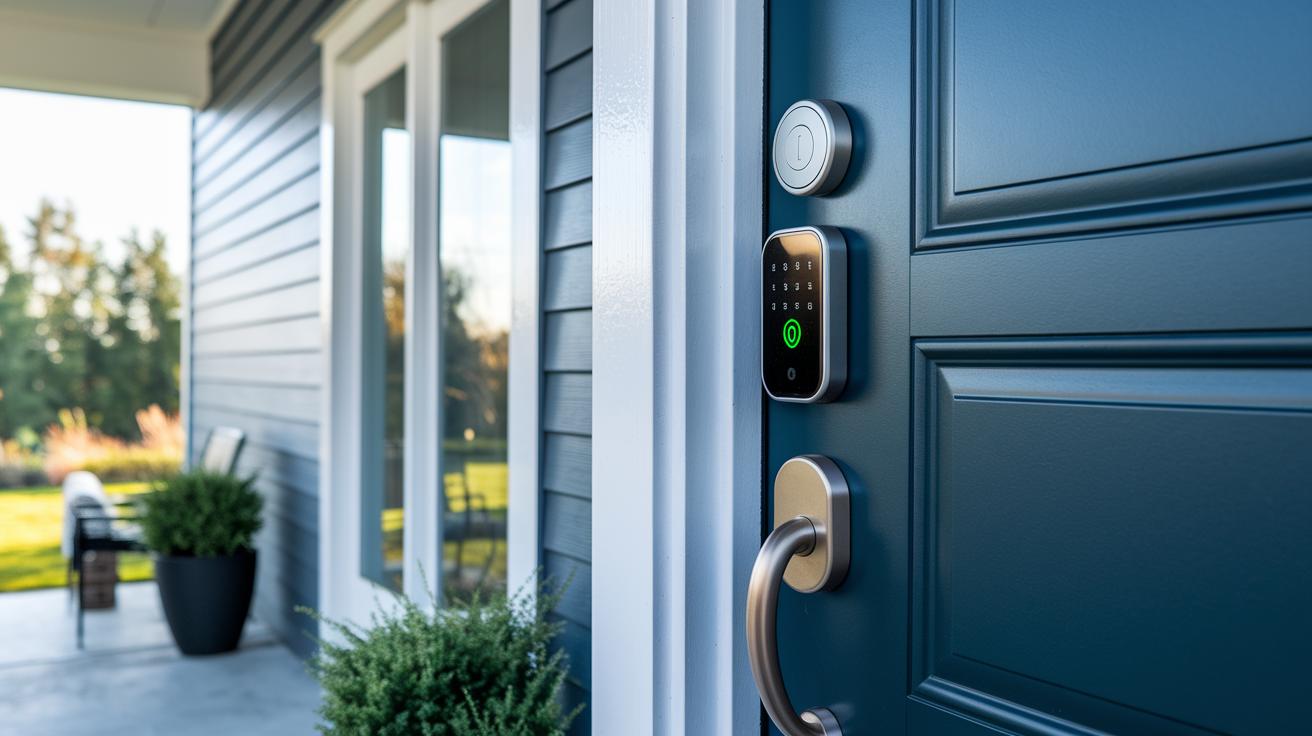
Smart locks are modern tools that let you open your door without a traditional key. They work with a phone app, fingerprint scanner, or touchscreen. The locks run on a battery that typically lasts 2 to 3 weeks. They connect over WiFi or through smart-home hubs like Z-Wave and Zigbee. This connection lets you lock or unlock your door from anywhere and manage user codes remotely.
These locks use AES-256 encryption, a secure method trusted by the CIA and U.S. military. They also include built-in alarms that alert you immediately if someone tampers with them. For instance, you might get a quick alert on your phone if someone tries to break in.
Top smart locks also work well with voice assistants such as Alexa, Google Assistant, and Apple HomeKit. Some even support Apple Key for extra ease. They let you choose different entry options, including one-time or permanent PIN codes, biometric scans, app triggers, and voice commands. This mix of features offers secure and user-friendly control over home access.
Choosing the Right Smart Lock for Your Door
First, check if your door is compatible. Measure your door thickness (usually between 1¾" and 2¼") and confirm your deadbolt type, whether it’s single-cylinder or double-cylinder. Think of this step like making sure a gadget fits before you use it. Also, review the setup steps in the Installing Smart Locks guide to ensure the lock will match your door.
Next, choose between a hub-less lock or a hub-based system. Hub-less locks use Bluetooth or WiFi and work great for simple setups. In contrast, systems that use Z-Wave or Zigbee hubs typically offer a longer range, which can be beneficial in larger spaces. Renters might prefer models like the August Pro, which keep the original deadbolt hardware intact and meet landlord requirements.
Finally, consider how you use your door. Think about how often you let in guests, set auto-lock timers, or provide temporary PINs for service providers. Homeowners with many visitors might find motorized deadbolts more practical, while lever designs might suit interior doors better. For instance, if you have regular maintenance visits, using temporary PIN access can keep things smooth and secure.
best smart locks: Top Choice for Secure Living
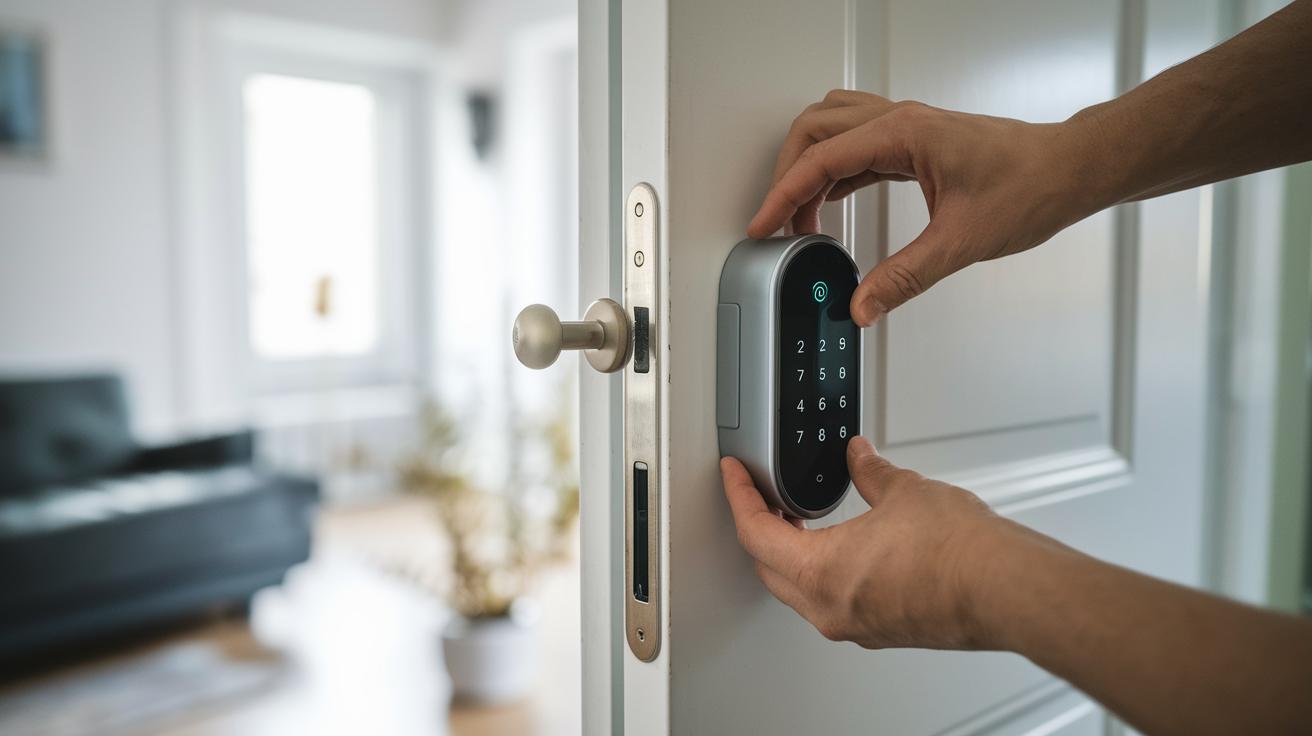
Smart locks offer a quick, key-free way to secure your home. They are easy to install and usually take between 15 and 60 minutes. Because the lock uses your existing door frame latch, you can keep your current door hardware. Most smart locks run on AA batteries that typically last 2–3 weeks, and the lock notifies you with app alerts, beeps, or flashing lights when the battery is low. If you receive a low-battery alert, you can try reconnecting your WiFi, replacing the batteries, or recalibrating the lock using the app.
Follow these eight simple steps for smooth installation and easy battery management:
- Remove your old deadbolt hardware.
- Test the door latch alignment and adjust the strike plate as needed.
- Install the mounting plate and secure the interior assembly.
- Insert the required batteries and snap the exterior lock into place.
- Download the lock app, pair it, and enter the provided serial code.
- Calibrate the lock’s motor using the auto-calibration feature.
- Create master and guest PINs, and set the auto-lock timer.
- Check the battery status and enable low-battery alerts in the app.
These clear steps let you enjoy the benefits of smart lock technology with minimal hassle during setup and battery maintenance.
Smart Lock Compatibility with Home Automation Systems
Modern smart locks work with popular home systems like Amazon Alexa, Google Home, Apple HomeKit, and Samsung SmartThings. They use cloud connections to let you update user codes, review lock logs, and get door alerts from anywhere. Some locks use a hub system with Z-Wave or Zigbee, offering better range and reliability than WiFi-only models that depend on your home network speed. One user explained, "I can check and manage access remotely even when I'm away because my lock connects seamlessly with my phone." This ability makes it simple to add digital entry to your broader home security setup.
Smart lock apps also set systems apart. The August app sends DoorSense alerts, while Yale Secure works with Apple Key for added convenience. The Nest app integrates smoothly with other Nest devices so users can control everything with one app. These app ecosystems let you customize and manage access in a way that best fits your needs. With voice assistant support and cloud connectivity, these locks provide reliable, efficient protection for your home.
Security and Durability Comparisons of Best Smart Locks

Leading smart locks protect your home with advanced encryption. Many use AES-256 (a method that secures data with a 256-bit key) while others still rely on the older AES-128.
For example, some models come with intrusion detection features similar to those in Kwikset locks, whereas others include tamper alarms like those found in Schlage devices. Most smart locks carry an ANSI Grade 1 rating. This means they meet strict quality standards and come with weatherproof coatings for reliable outdoor use. In fact, tests have shown some locks can handle over 100,000 cycles and work in extreme temperatures.
Fingerprint sensor locks provide biometric access. However, they may have issues when dirt, gloves, or moisture interfere with recognition. This serves as a reminder of the trade-off between convenience and reliability. When choosing a smart lock, consider its overall build quality and durability to ensure your smart home stays secure every day.
Pricing, Warranty, and Maintenance for Smart Locks
Smart locks come at different price points. Budget models usually cost between $100 and $150. Mid-range options run from $150 to $250, while premium devices often cost more than $250. Some locks include extras such as smart hubs that add about $50 to $100. Professional installation services can cost an extra $50 to $150. In some cases, an app subscription is needed to unlock advanced features. Knowing your budget helps you pick the right option.
Warranties vary by brand. For instance, Kwikset locks include a lifetime warranty for mechanical parts. Yale and August typically offer a one-year warranty for their electronics. Schlage may give a limited lifetime warranty on electronic components. These differences are key when considering long-term reliability.
Maintenance is important for keeping your smart lock secure and working well. Regular firmware updates through the app boost security. You should replace batteries every two to three weeks and clean the contacts to prevent sensor errors. By comparing cost, warranty, and upkeep recommendations, you can choose a smart lock that remains both reliable and secure.
Final Words
In the action, the article compared top-rated smart locks for both home and business security. It reviewed key features, like integration with popular voice assistants, installation ease, and battery management, while outlining options for different door types and budgets.
The piece made it clear that smart locks deliver secure, digital entry solutions. This aligns with the best smart locks available for users looking to improve security and convenience. The future looks bright for smarter, safer access.
FAQ
What are some of the best smart locks for home use according to user reviews and market trends?
User reviews and expert opinions favor locks like August Pro, Yale Assure, and Schlage Encode. They offer robust smart home integration, remote access, and reliable security features suited for diverse applications.
Which smart locks include a physical key option for backup?
Certain smart locks, such as the Yale Assure Keypad Lever Lock, include a physical key override. This backup method ensures secure entry when connectivity issues occur or technology malfunctions.
Which smart door locks come with integrated handles for a complete design?
Some smart door locks offer integrated handle designs that combine style with functionality. These models deliver easy access and dependable security tailored for both residential and commercial settings.
What features do Yale smart locks offer for enhanced security and convenience?
Yale smart locks build on a long security heritage by offering touchscreen interfaces, Wi-Fi connectivity, Matter support, and multiple entry methods, making them a solid choice for modern smart homes.
What are the emerging top smart locks for home and door use by 2025?
Future smart locks for 2025 focus on improved connectivity, longer battery life, and streamlined designs. They integrate reliable security features with user-friendly control and compatibility with popular voice assistants.
What is the highest rated smart lock on the market today?
The August Pro is frequently recognized as the highest rated smart lock. It stands out with broad smart home compatibility, reliable door alerts, and effective remote access features that meet varied user demands.
Is Schlage or Yale a better choice for a smart lock?
The choice between Schlage and Yale depends on personal priorities. Yale offers diverse touchscreen and Wi-Fi options steeped in security heritage, while Schlage is known for straightforward installation and flexible smart integration.
Is Schlage or Kwikset a better option for smart lock solutions?
Both brands offer strong features. Schlage is praised for its simple setup and modern design, while Kwikset is noted for its effective intrusion detection and warranty advantages, catering to different security needs.
How can one choose the right smart lock for their door?
To choose a smart lock, review your door type, connectivity options, and desired features like auto-lock and remote access. Matching these factors with your lifestyle ensures the best fit for your security needs.
What features does the Yale Approach Lock with Wi-Fi and Keypad Touch offer?
The Yale Approach Lock with Wi-Fi and Keypad Touch offers remote access, intuitive keypad operation, and smooth integration with smart home systems, making secure entry straightforward for modern residences.
What distinguishes the Yale Assure Lock Touchscreen in smart security?
The Yale Assure Lock Touchscreen stands out with its responsive interface and advanced smart home connectivity. Its design supports simplicity and robust security for users seeking efficient access control.
What benefits does the Yale Smart Lock with Matter bring to smart home systems?
The Yale Smart Lock with Matter promotes enhanced interoperability within smart home ecosystems. Its modern design connects seamlessly with various devices while offering elevated security and ease of use.
How does the Yale Assure Touchscreen Lever Lock combine convenience and security?
The Yale Assure Touchscreen Lever Lock merges a modern touchscreen interface with a practical lever design. This combination delivers efficient operation and dependable security ideal for indoor applications.
What are the key features of the Yale Assure Keypad Lever Lock?
The Yale Assure Keypad Lever Lock offers keyless entry via a responsive keypad while also including a physical key backup. This design emphasizes both user convenience and secure access management.
How does the Lockly Visage Zeno Series utilize facial recognition for smart entry?
The Lockly Visage Zeno Series integrates advanced facial recognition technology for fast, secure access. It also supports additional entry methods like keypad and app control to enhance user convenience and protection.