


Do smart locks really keep your home safe? Modern security now replaces physical keys with digital codes that change each time you use them. These locks use strong encryption and real-time alerts to fend off breaches. As concerns mount about possible software issues, this article lays out the benefits and challenges of keyless systems. It helps you decide if the added security outweighs the concerns.
Overall Safety Verdict: Are Smart Locks Safe for Your Home?
Smart locks use modern technology like AES encryption (a coding method to protect data) and updated authentication methods to secure your home. They replace physical keys with digital credentials, which means you won't face issues like key duplication or lock picking. When installed correctly, with unique passwords and regular firmware updates, these locks lower the chance of a digital breach.
Consumer reviews and testing show that smart deadbolts built to BHMA/ANSI Grade 1 standards work just as well as top-notch mechanical deadbolts. They can handle significant force and wear without issues.
Home insurers often approve smart lock installations and may even offer discounts because of the added security. The main concern is whether the reliance on software and remote controls introduces new risks. However, proper maintenance and careful management of digital credentials reduce these potential problems.
Recent studies confirm that smart locks provide secure home entry while avoiding risks common with traditional locks. Features such as real-time alerts, automatic locking, and strong encryption work together to ensure their reliability. For many users, smart locks offer protection that matches or even exceeds that of conventional mechanical solutions.
Smart Lock Encryption and Authentication Mechanisms

AES Encryption and Rolling Code Protocols
Smart locks protect entry with AES encryption and rolling Bluetooth code techniques. Each time you use the lock, it creates a new access token that stops attackers from reusing old codes. Imagine a lock that changes its digital password with every use, much like a safe that resets its combination after each opening. The rolling codes, combined with a challenge-response system, ensure that even if someone intercepts the signal, they can’t gain entry. This advanced encryption method blocks common hacking techniques and defends against brute-force attacks.
Biometric and Multi-Factor Authentication
Smart locks add another layer of defense with fingerprint sensors and palm-vein readers that analyze patterns under the skin. These biometric checks are much harder to fake than surface details. The system pairs this verification with mobile app credentials and a PIN code, so even if one factor is compromised, the other still keeps the lock secure. Encrypted Bluetooth and Wi-Fi channels protect the communication between your phone and the lock. For example, a fingerprint scan followed by a PIN entry creates a layered shield that greatly reduces the risk of digital breaches. By combining these methods, smart locks offer a level of protection far beyond traditional key-based systems.
Common Smart Lock Vulnerabilities and Attack Techniques
Smart locks use wireless signals and digital credentials. This setup gives hackers several ways to exploit the system. For example, attackers may capture Bluetooth or Wi-Fi tokens and replay them later using replay or relay attacks. Weak default or simple PIN codes are another risk, as they can be brute-forced when users never change them. Wireless signals can also be intercepted by using Bluetooth sniffers with tools like Wireshark to collect data from unsecured channels. Outdated firmware or unpatched software offers attackers an entry point to compromise systems that have not received the necessary updates. In addition, vulnerabilities in mobile apps can let hackers take over sessions, reset credentials, or bypass key authentication steps without needing physical access.
- Replay and Relay Attacks
- Passcode Brute-Forcing
- Bluetooth Sniffing
- Firmware Exploitation
- Smartphone App Vulnerabilities
To protect your system, use strong passcodes, update firmware often, and secure your mobile apps. This approach helps keep wireless connections safe and reduces the risk of exploitation by hackers.
Physical Tampering and Power-Failure Safeguards in Smart Locks
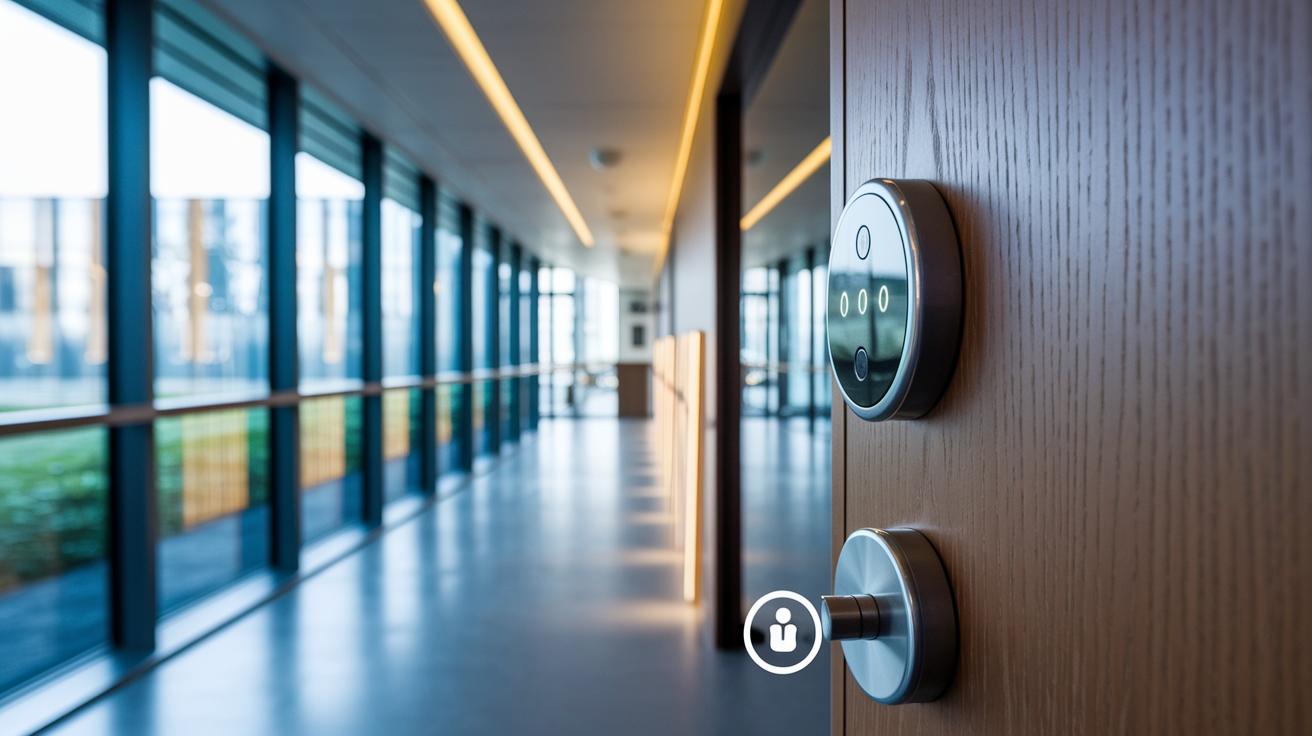
Smart locks safeguard your homes using sensors and backup systems that handle both physical tampering and electrical problems. They rely on accelerometers, which are devices that detect shocks and unusual movements, to notice if someone is interfering with the lock. When tampering is detected, the lock immediately goes into lockdown, sounds an alarm, and sends a notification to your phone. Some models even include an AI video camera that starts recording as soon as a breach is sensed. This added feature helps homeowners capture evidence and feel more secure during a break-in attempt.
Power issues are another challenge for smart locks. Many models feature external battery ports or built-in backup packs to keep the lock operating even during dead battery scenarios or power outages. In addition, a mechanical key override is usually available so you can use a traditional key if the electronics or batteries fail. This setup ensures that a power disruption will not leave you locked out during a critical moment.
| Feature | Smart Lock Response | Example |
|---|---|---|
| Tamper Detection | Lockdown and alarm | Accelerometer activation |
| Power Outage | Battery backup and alert | External battery port |
| Mechanical Override | Key cylinder access | Traditional key insertion |
Together, these safeguards ensure that physical interference and power issues do not undermine the security of your smart locks. They provide a reliable protection system during emergencies.
Industry Standards and Compliance for Smart Lock Security
Smart locks earn trust by meeting strict industry standards. For example, locks that achieve ANSI/BHMA Grade 1 certification must go through 250,000 bolt cycles and resist 800 lb-ft of torque. They are built to perform well under heavy physical stress. UL 294 certification also shows that the lock can handle forced entry and tough environmental conditions. This gives users and insurers the confidence they need.
Data privacy is a key concern when locks store biometric data. Manufacturers follow rules like GDPR (European data protection law) and CCPA (California consumer privacy law) to secure sensitive information. These regulations help protect personal information and boost consumer confidence. In addition, standards such as ISO/IEC 15408 set the basic rules for digital security, while ISO/IEC 19794-5 and 24745 offer detailed guidelines for managing biometric data safely.
Regular firmware updates are vital for maintaining these certifications over a lock’s lifecycle. They quickly fix discovered vulnerabilities and ensure the lock remains compliant with industry standards. For instance, a smart lock that updates its software frequently can ward off new security threats and continue to meet established guidelines. This ongoing commitment to updates reinforces user trust and secures both physical and digital access.
Smart Locks vs Traditional Deadbolts: Security Comparison

Smart locks use encrypted digital keys to reduce the risk of picking, a common issue with mechanical deadbolts. They offer features like auto-lock, remote access logs, and real-time notifications so homeowners can quickly spot and react to potential breaches. For example, if the system detects a failed access attempt, you get an immediate alert, which adds extra peace of mind.
Traditional deadbolts rely on time-tested mechanical designs. They work without electricity and don't need software updates, so they're not vulnerable to hacking risks. However, this simplicity means they miss out on the dynamic security features that digital systems provide.
Battery backups in smart locks help maintain their reliability during power outages, bridging the gap with traditional locks. In short, keyless smart locks bring convenience and layered digital security, while mechanical deadbolts offer proven dependability when electronic systems might fail. Your choice depends on whether you value advanced features and remote control or the straightforward robustness of a mechanical system.
Best Practices for Installing and Maintaining Smart Locks
Start by making sure your strike plates line up correctly and that you set the torque to match the manufacturer’s instructions. Getting this right from the start helps avoid misreads and jams that could hurt your lock’s performance.
Once your lock is installed, change the default settings right away. Use strong, unique PINs or passphrases instead of the preset codes. This small step plays a big part in keeping unauthorized users out.
It’s also important to update your firmware regularly. Schedule these updates every few months, or sooner if you hear about any potential security risks. Doing this seals any software gaps that hackers might try to use.
Turn on your lock’s notifications and check the access logs daily. This acts like a daily review of your bank statement, allowing you to spot any unusual activity quickly and respond fast.
Don’t forget to test your backup battery and external power options from time to time. A reliable backup will keep your system running, even if there’s a power outage.
Plan ahead in case a breach does happen. Set up procedures that include remote locking, resetting your credentials, and calling in a technician to inspect your system. For example, if you detect a breach, start by locking all doors remotely, then change your codes before getting professional help.
Follow these steps methodically:
- Ensure strike plates are aligned and torque is set to manufacturer specs.
- Replace default credentials with strong, unique passphrases.
- Apply firmware updates as soon as any vulnerabilities are found.
- Enable notifications and review access logs every day.
- Regularly test backup battery and external power options.
- Prepare a clear plan of action in the event of a breach.
These best practices will keep your smart locks secure, from the moment you install them through daily operation.
Final Words
In the action, our review shows that smart locks combine advanced digital encryption, backup power systems, and manual overrides to ensure safe home entry. We compared digital safeguards with traditional deadbolts and outlined best practices for secure installation and regular updates. Clear insights into vulnerabilities and protective measures guide decision-making for smoother operations. The analysis provides a balanced look at risk versus convenience and clearly answers one key question: are smart locks safe for your home? Moving forward, smart locks set a promising standard in modern security.