


Ever wonder if a live map can help you feel safer? Location sharing apps let you see your family and friends in real time. They alert you when someone leaves a familiar spot, like your child finishing school. Some even include features such as crash detection and drive reports. This article explains how these tools work to keep you connected, safe, and secure.
Location Sharing Apps: Secure & Instant Tracking
Location sharing apps let you see where people are on a live map in real time. They work for full family tracking or one-time sharing and run on both iOS and Android. These apps offer peace of mind, making it easy to find friends or family quickly. For example, you can set a custom alert to notify you when your child leaves school.
Many of these apps provide a free basic version with essential tracking features. You can upgrade to a subscription for extra functions like detailed drive reports or crash detection. Some apps are designed for continuous family connection, while others cater to short, one-time meetups. Live location data updates range from constant to every few minutes, though slight delays might occur. They also use secure transmission and encryption to protect your information.
A stable internet connection is needed for the apps to work smoothly. Each option offers a mix of ease-of-use, pricing flexibility, and device compatibility to suit different needs.
Comparison of Leading Location Sharing Apps

| App Name | Platform Availability | Price Model | Standout Features |
|---|---|---|---|
| Life360 | iOS & Android | Free tier, Premium upgrades | Real-time family GPS tracking, Drive Reports, crash detection |
| Google Maps | iOS, Android, Others | Free | Accurate live location, reliable navigation; privacy concerns noted |
| Glympse | iOS & Android | Free | Instant live sharing without sign-up; occasional freezing issues |
| Find My Friends | iOS-only | Free | Ad-free and integrates seamlessly with Apple devices |
| iSharing | iOS & Android | Free basic, subscription for advanced features | Real-time alerts and a user-friendly interface |
All these apps let you share locations across platforms, meeting different tracking needs with varying GPS options.
Life360 offers complete family tracking that works well on both iOS and Android. Its free version covers basic location history, while the premium plan adds features like accident detection and drive reports.
Google Maps is a popular choice for free live tracking, known for accurate locations and reliable navigation. Yet, some users worry about privacy due to its broad data collection practices.
Glympse provides a simple, fast setup without any sign-up needed. The app is free, though users might occasionally encounter minor glitches.
Find My Friends is exclusive to iOS, offering an ad-free experience with smooth integration for Apple users. This makes it a clear favorite for families in the Apple ecosystem.
iSharing stands out with clear real-time alerts and an intuitive design. A subscription unlocks extra features, offering a balanced mix for those who need more customization and control.
Privacy-Centered Tracking and Security Measures
Location sharing apps keep you connected while protecting your personal data. Apps like Google Maps and Life360 record your location history, which can worry some users about privacy. To address these concerns, many services now use end-to-end encryption for GPS data. This means your location details are scrambled from the moment they leave your device until only an approved recipient can view them. For example, FamiSafe and Family360 use encryption and let you set permissions that control who can see your location.
Some apps, like TrackView, also offer extra features such as remote camera and microphone access. These capabilities require clear controls so you decide who gets to see sensitive information. It is a good idea to review your app permissions regularly and choose apps that explain their encryption measures.
Key protection strategies:
- Use apps that secure GPS data with end-to-end encryption.
- Verify that you can adjust who accesses your data.
- Regularly update your app settings to match your current privacy needs.
Following these steps helps ensure that your location data remains secure and that you stay connected safely.
How to Set Up and Use Location Sharing on Your Device
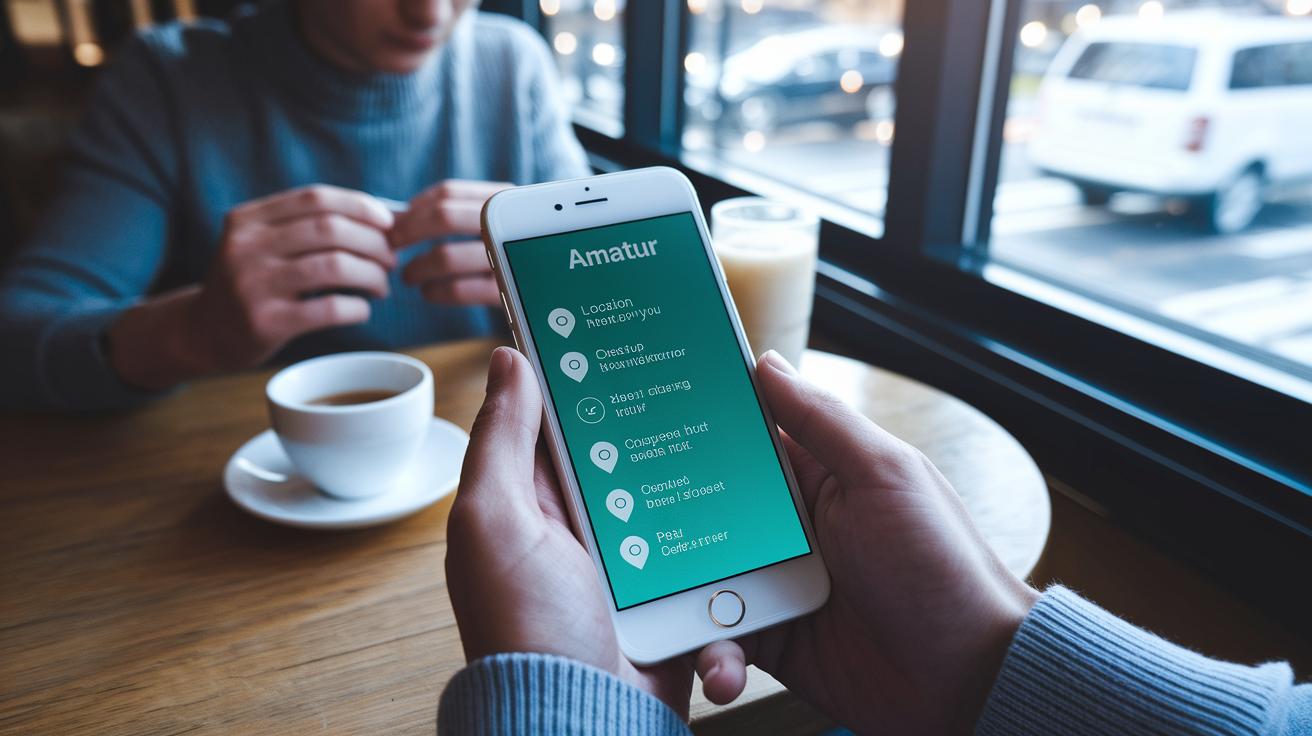
For iPhones, open the Find My app. Tap "Share My Location," then pick the contacts you want. Next, decide how long you want to share your location. For example, if you’re meeting a friend, you might set it for one hour.
For Android devices, open Google Maps. Tap your profile icon and choose "Location sharing." Set the sharing duration and select the contacts you want. This setup lets you share your current location without any extra steps.
With apps like Life360, start by installing the application. Create a circle and send invitation links to family members or trusted contacts. Life360 organizes users in circles so you can manage group sharing easily.
FamiSafe pairs devices using a QR code. Open the app, scan the code on the device you want to track, and follow the setup prompts to finish pairing.
Family360 syncs your devices by linking your Apple ID or Google account. When linked, your contacts are added automatically, making it simple to share your location across platforms.
Follow these steps to start sharing your position instantly on any major mobile platform.
Advanced Features: Geofencing, SOS Alerts, and Location History
Many location sharing apps now offer tools that go beyond simple tracking. They help improve safety by giving you real-time updates and alerts. For example, geofencing lets you set up virtual boundaries. Apps like FamiSafe and Life360 will notify you if someone enters or leaves a designated area, such as when your child exits the school zone. This keeps families and groups aware of movements as they happen.
Some apps also include quick emergency tools. Familonet uses a Panic Button that sends an SOS alert instantly to selected contacts. In a crisis, this one-tap option helps bring help faster.
Crash detection features are also common, especially for drivers. With GeoZilla, if harsh braking or a sudden impact is detected, people in your circle get an alert to check on you. Meanwhile, most apps save your past routes for later review, offering a thorough location history. In contrast, Glympse lets you share your location briefly with links that expire automatically, ideal for short meetings.
- Geofencing sends alerts when someone crosses a set boundary.
- Emergency alert tools trigger instant SOS messages.
- Crash detection provides real-time safety checks for drivers.
- Location history lets you review past routes while some apps offer temporary sharing.
Choosing the Best Location Sharing App for Your Needs

When choosing a location sharing app, start by considering who you need to track. For families with young children, apps like FamiSafe and Find My Kids work well as child safety monitors. They send alerts when kids enter or leave key zones like school areas. One parent said that real-time school alerts let them focus on work while knowing their child was safe.
For larger family networks, Life360 and Family360 offer detailed drive reports and battery status updates. They are built for continuous monitoring so family members can easily check on each other during daily commutes or emergencies.
If you need an app for social meetups or temporary tracking, no-cost options like Glympse and Google Maps provide quick live sharing with little or no subscription fees. They update as often as every five minutes or continuously, so it is important to choose an app that matches your tracking needs.
Key considerations include:
- Evaluating update frequency: live tracking versus five-minute intervals.
- Monitoring battery consumption to prevent rapid drain.
- Reviewing subscription costs if extra features are needed.
- Checking efficiency ratings to compare performance.
Remember, the best solution depends on your priorities. Whether you are protecting children, looking after elderly family members, or coordinating informal meetups, choose an app that balances cost, efficiency, and reliability.
Final Words
In the action, this article maps out the world of location sharing apps. It breaks down features, privacy measures, and setup steps while weighing advanced tools like geofencing and SOS alerts. Readers gain a clear view of how each option fits family use or business needs. Short comparisons help cut through the noise, letting you pick the tool that works best for your context. With practical insights at hand, smart strategic moves in the sharing landscape become more achievable and empowering.
FAQ
Q: What are some top location sharing apps for iPhone and Android?
A: The top location sharing apps include Google Maps, Life360, Glympse, and Find My Phone – Family Locator. These apps offer free and subscription-based options, real-time updates, and various family safety features.
Q: How can I share location data between iPhone and Android devices?
A: The cross-platform apps like Life360, Google Maps, and Glympse facilitate seamless location sharing between iPhone and Android, allowing users to send live updates and set sharing durations.
Q: How do I track a loved one’s location safely?
A: The methods for tracking a loved one safely involve using secure apps like Life360, Findmykids, and Google Family Link, which provide real-time tracking, alerts, and privacy controls with proper consent.
Q: Can someone track my phone’s location without my knowledge?
A: The possibility exists through unauthorized apps, but modern devices and security features are designed to alert you of any such tracking, helping protect your location privacy.
Q: How can I track a husband’s location on Android?
A: The process for tracking a husband’s location on Android can be managed with apps such as Life360 and Google Maps, which provide live tracking. Ensure you have permission to maintain trust and privacy.
Q: How do I track family members using Google Maps?
A: The procedure for tracking family members using Google Maps involves accessing the Location Sharing feature, selecting contacts, and setting a share period so everyone can send or receive live location data.
Q: What key features do apps like Life360 and Glympse offer?
A: The key features include real-time location tracking, geofencing alerts, and emergency notifications. Life360 also delivers detailed drive reports, while Glympse offers instant sharing without requiring sign-up.