
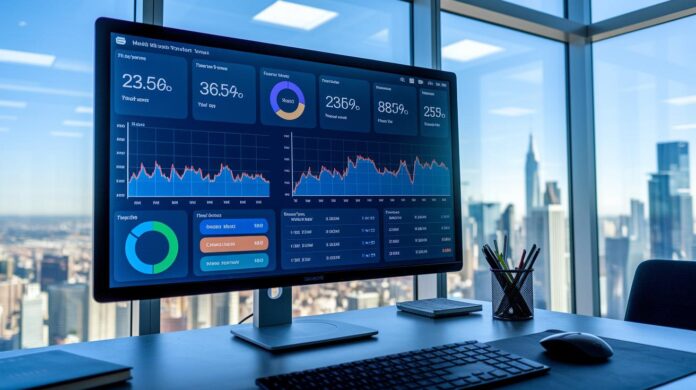

Could one dashboard transform your business leadership? Many top executives face delays due to data spread across multiple sources. Real-time dashboards gather numbers from areas such as accounting, customer relationship management (CRM), and inventory into one clear view. This unified snapshot allows leaders to act swiftly when issues emerge.
In this post we explain how to create these dashboards by integrating live data with fast, reliable technology. With clear objectives and smart design, decision-makers gain the timely insights they need to steer their business effectively.
Building Core Components of Real-Time Data Dashboards for Executive Decision-Making
Real-time dashboards give busy executives a clear view of data from accounting, CRM, inventory, and more. They turn raw figures into simple insights that help leaders act fast when things change.
Data from internal systems flows into dashboards using APIs (tools that let systems talk to each other) and live data streams. Automated updates run around the clock so that any emerging issue can be handled immediately.
Key steps to build a strong dashboard include:
- Set clear objectives that match your strategic goals.
- Connect and integrate data sources using APIs and live streams.
- Pick a technology stack that supports real-time updates.
- Design an interface that is simple and focused on executive needs.
- Establish automatic refresh cycles and alert systems.
Each step is vital for keeping the tool responsive and on target. Clear objectives ensure the dashboard aligns with your overall strategy. Bringing together different data sources gives decision-makers a complete, up-to-date picture. Choosing the right technology creates a strong foundation for fast analytics. A well-designed display makes complex data easy to understand. And automated updates and alerts ensure executives are always one step ahead.
Integrating Data Sources and Ensuring Accuracy in Real-Time Executive Dashboards

Executives depend on dashboards that gather data from accounting systems, customer relationship management (CRM) tools, enterprise resource planning (ERP) software, and real-time event streams. A unified interface that combines these sources is essential. Multi-source integration offers leaders a complete view of operations, which helps them react quickly when conditions change. For example, linking procurement alerts to inventory management can warn an executive about supply issues before they become critical. This clear view is created using both live data feeds and historical records, ensuring decision makers have all the information they need.
API and Streaming Integration
Real-time data is delivered through event streaming tools such as Apache Kafka, Amazon Kinesis, or Google Pub/Sub. These platforms send updates as soon as they occur, cutting delays and providing insights instantly. Setting up APIs to push data continuously means that every change , like a sudden jump in customer activity , quickly shows up on the dashboard.
Batch and Hybrid Approaches
For analyzing large amounts of data or spotting long-term trends, organizations use batch ETL pipelines, data lakes, and materialized views. These methods process big datasets efficiently while blending live data with batch updates. To keep the visuals reliable, the system uses strict checks, timestamped snapshot caching (for example, “Data as of 10:30”), and careful reconciliation of any mismatched information.
Designing User Interfaces for Executive-Focused Real-Time Dashboards
Busy executives need dashboards that deliver key insights at a glance. In high-pressure situations, a simple design that cuts through clutter is essential. Every element must help leaders quickly spot trends and unusual shifts so they can act immediately.
A clear layout guides attention. A grid format arranges key numbers side by side for easy comparison. When traditional data doesn’t fit, a freeform layout gives more room. Color coding shows different performance levels, while subtle animations signal changes. Alert badges and tooltips make sure important updates are never missed.
Customization is key. Letting users rearrange parts of the dashboard and set their own alerts makes the tool work for each executive. Adjustable data refresh times also help avoid information overload when things get busy. With these features, real-time data turns into a tool that is both clear and actionable.
Selecting and Displaying Key Performance Indicators for Real-Time Executive Dashboards

Executives need to choose KPIs that match their company’s goals and their specific roles. These indicators track daily operations and long-term strategy. Leaders use a mix of dashboards, operational, analytic, and financial, to see the full picture. Charts, graphs, gauges, and tables quickly turn detailed data into clear signals for action.
| KPI Category | Example Metric | Visualization Type |
|---|---|---|
| Operational | System uptime | Line chart |
| Financial | Revenue growth | Bar chart |
| Customer | Net promoter score | Gauge |
| Sales | Conversion rate | Funnel chart |
Real-time trackers add another layer by showing live performance data. Alert thresholds notify leaders when numbers stray from expectations. Drill-down features let them move from a summary view to detailed data, helping to find the root of any problem. This method keeps every KPI, from SaaS metrics to cash flow and profitability, actionable and aligned with business strategy.
Optimizing Performance and Scalability of Real-Time Executive Dashboards
Managing millions of rows means query speed is essential. Companies can lower response times by fine-tuning SQL queries and using materialized views. For example, an e-commerce firm processing 100,000 click events daily may experience delays without proper query optimization. Materialized views pre-compute common aggregates, so dashboards can quickly fetch ready-made data instead of sifting through raw tables each time. This approach cuts compute load and delivers fast, reliable insights to executives.
Improving speed further also means adopting strong caching methods and smart data ingestion techniques. Using result caching, partial caching, or query caching avoids repeated data loads and quickens refresh cycles. Many organizations use streaming platforms like Kafka or Kinesis for real-time updates, while others choose embedded BI frameworks that combine data visualization with live processing. These choices, driven by scalability needs and deployment context, help keep dashboards swift and useful for decision-makers.
Ensuring Reliability and Trust in Real-Time Executive Dashboards
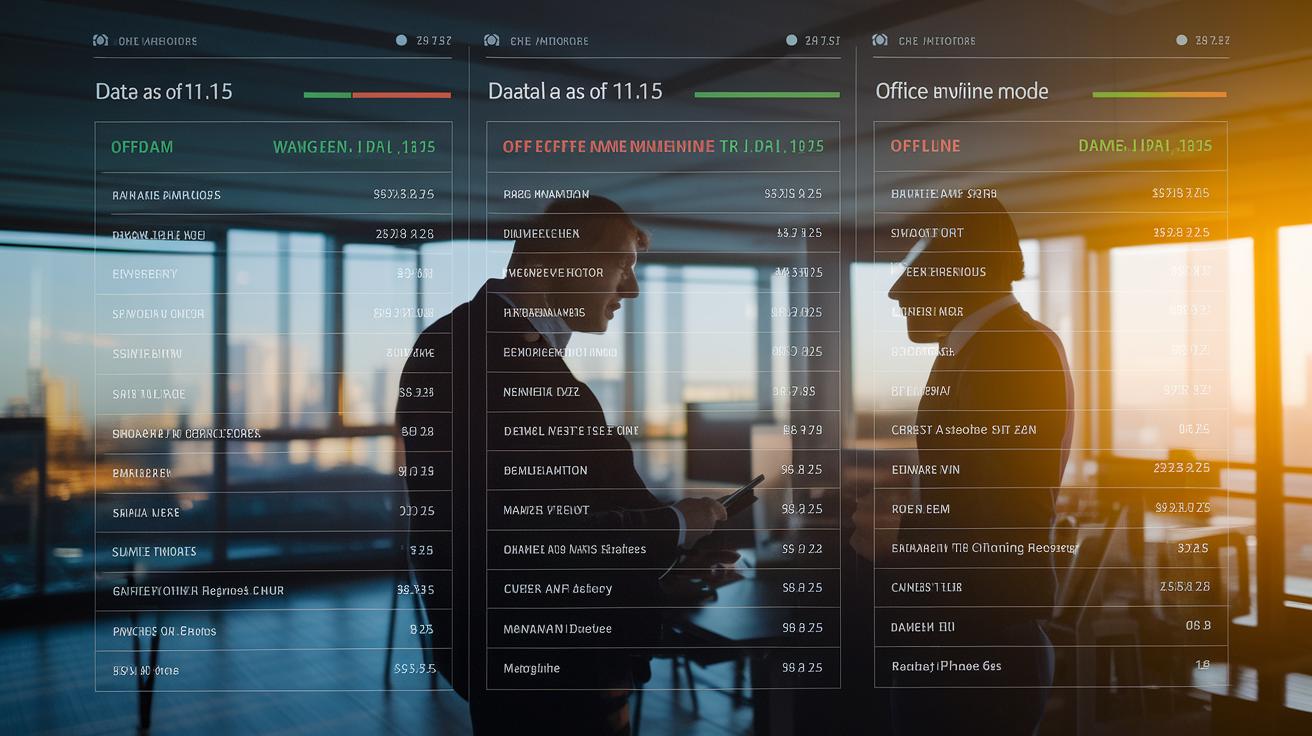
Real-time dashboards depend on strong backup measures that keep leaders informed at all times. One key method is snapshot caching. When live data fails, the dashboard shows a message like "Data as of HH:MM" so executives can still review recent information. Offline modes also allow the system to run on stored data until the live feed is fixed. For instance, a fleet management tool might display "Data as of 11:15" when real-time updates are down.
Retry logic is another critical feature to keep the system running smoothly. Auto-retry with exponential backoff means the system waits a bit longer after each failed attempt before trying again. This approach stops the system from being overwhelmed and restores data flow quickly. Additionally, real-time alerts are set up to notify executives if data trends stray from normal patterns, helping them address issues promptly.
Other features add extra layers of trust to the dashboard:
- Data freshness badges that confirm the most recent update time
- Role-based access controls that limit sensitive information to authorized users
- Strong encryption to protect data in transit and at rest
- Enterprise-grade standards like SOC 2 Type II to reinforce system security
These measures ensure that executives can rely on accurate, secure, and timely data for their decisions.
Final Words
In the action we explored how real-time dashboards combine data sources, streamline updates, and simplify insights for swift executive moves. We broke down steps from setting strategic objectives to configuring auto-refresh cycles that drive clarity in high-pressure decisions.
These dashboards empower teams to track performance, manage risks, and spot opportunities quickly. Building real-time data dashboards for executive decision-making sets the stage for smarter strategies and a confident approach to market and regulatory challenges.
FAQ
Q: What are real-time executive dashboards and their benefits?
A: Real-time executive dashboards blend data from systems like accounting and CRM, offering decision-makers immediate insights that support quick, informed strategy adjustments and operational decisions.
Q: How do real-time dashboards integrate data from various sources?
A: Real-time dashboards integrate data using APIs and event streams, which combine multiple system feeds continuously while ensuring the accuracy and freshness needed for executive analysis.
Q: What are the core steps to build a real-time executive dashboard?
A: Building a dashboard involves defining strategic objectives, identifying and integrating data sources, selecting the right technology, designing an executive-focused UI, and configuring automated refresh cycles for continuous insight.
Q: How is user interface design optimized for executive decision-making?
A: Executive dashboards use clear layouts, color cues, and subtle animations to highlight key metrics, with customization options that let decision-makers tailor views to their strategic priorities.
Q: How do real-time dashboards achieve performance, scalability, and reliability?
A: These dashboards optimize SQL queries, use caching and streaming platforms to reduce latency, and incorporate fallback modes, retry logic, and secure access protocols to maintain ongoing operational trust.